

ABA Staff Scheduling Software: How to Pick the Best Fit for Your Center
Picking the wrong ABA staff scheduling software costs more than the subscription fee. This guide breaks down exactly what to look for, what to avoid, and how to find the right fit for your center.
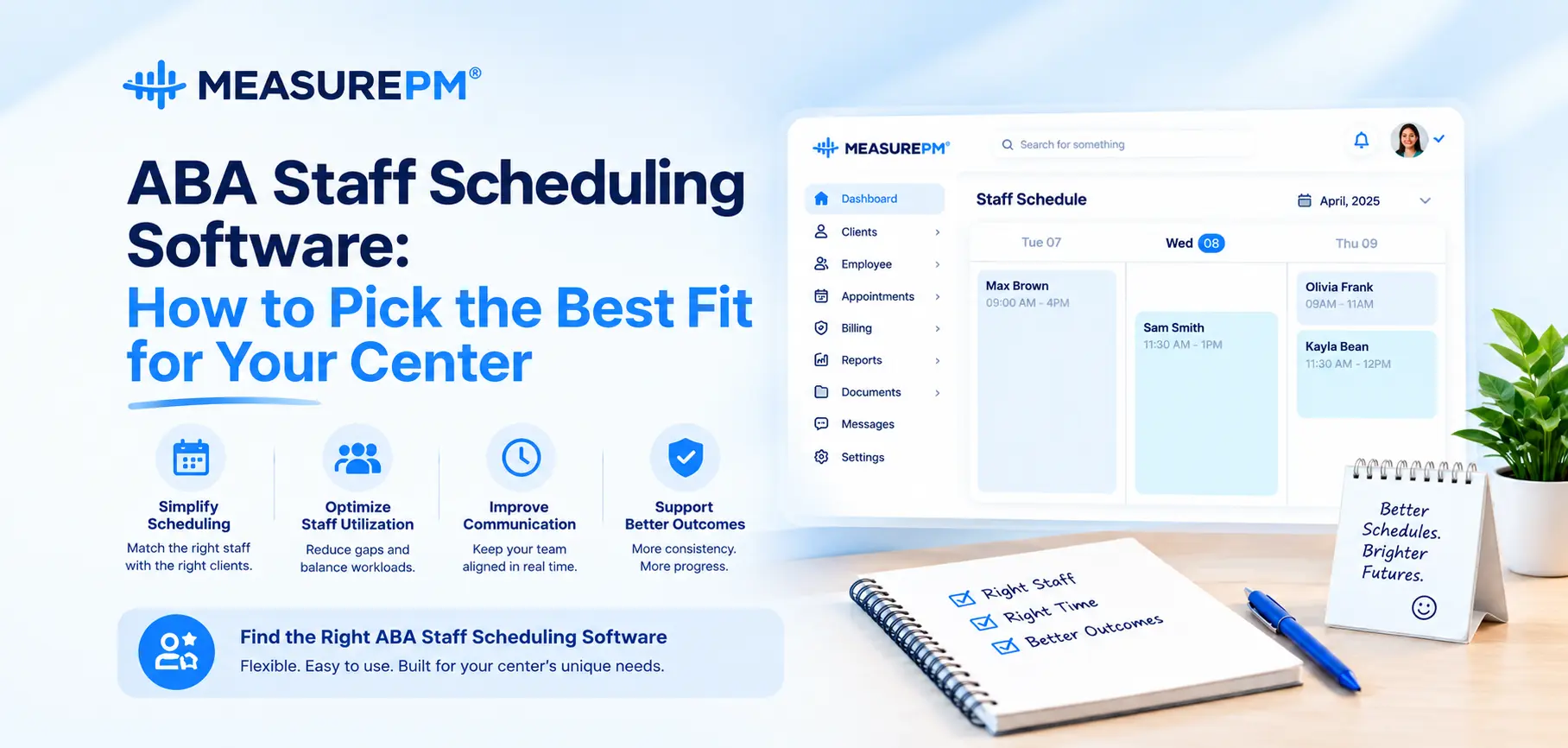
Scheduling in an ABA center looks manageable from the outside. You have clients, you have staff, you match them up at agreed times. Simple enough.
Anyone who has actually done it knows better.
Real ABA scheduling involves credential requirements that determine who can provide which services, authorization unit limits that cap how many hours each client can receive, BCBA supervision ratios that need to be maintained across a full caseload, and a constant stream of changes cancellations, staff callouts, rescheduling requests that ripple through everything else.
Managing all of that with a spreadsheet or generic calendar tool is possible in the same way that doing complex arithmetic by hand is possible. It works until the volume gets high enough, and then it doesn’t and the failures show up as billing denials, compliance gaps, and staff frustration rather than as a math error.
ABA staff scheduling software built specifically for behavior analysis practices addresses this problem differently. Not by digitizing a calendar, but by connecting scheduling to the authorization tracking, credential verification, supervision management, and billing workflows that determine how the practice actually runs. This guide covers what to look for when evaluating options and what separates software that helps from software that just adds another system to manage.
Why ABA Scheduling Is Different From Every Other Healthcare Scheduling Problem
Most healthcare scheduling solves a relatively contained problem: match patients with available providers at agreed times, with some basic eligibility verification. The variables are manageable.
ABA scheduling has all of those variables plus several layers that generic tools don’t address:
Authorization unit tracking. ABA services are approved in units typically 15-minute blocks within defined authorization windows. Every session consumes units. When those units run out or the authorization expires, sessions become unbillable. Tracking unit consumption in real time across multiple clients, service types, and payers simultaneously isn’t a manual process that scales.
Credential-to-service matching. BCBA, BCaBA, and RBT credentials authorize different service types. Payers are specific about which credentials can bill which CPT codes. Scheduling the wrong credential type for a service creates a billing problem that doesn’t surface until after the claim is denied.
Supervision ratio management. BCBA supervision of RBT-delivered services is both a clinical requirement and a payer expectation. In most practices, tracking supervision ratios across a full caseload happens informally which works until a caseload grows large enough that informality becomes a compliance risk.
High schedule volatility. Cancellations, staff absences, rescheduling requests, and mid-period authorization changes happen constantly. Managing these in real time while maintaining authorization compliance and supervision ratios requires infrastructure that spreadsheets don’t provide.
Understanding these specific demands helps explain why purpose-built ABA staff scheduling software matters and why generic tools create problems that look like management failures but are actually systems failures.
What Good ABA Staff Scheduling Software Actually Does
Authorization-Integrated Scheduling
Authorization tracking built directly into the scheduling interface is the single feature that most clearly separates ABA-specific tools from everything else.
When a session is being scheduled, the system knows what’s authorized for that client. Approved service types, unit limits, authorization period dates all of it is visible to the scheduler in real time. Sessions that would exceed authorization limits get flagged before they’re confirmed. Approaching unit ceilings trigger alerts with enough lead time to initiate reauthorization. Sessions can’t be pushed past authorization end dates without a deliberate override.
Authorization compliance becomes a natural output of the scheduling process rather than a separate verification step that depends on whoever happens to check.
Credential Verification at the Point of Scheduling
When a session is being assigned to a staff member, the system verifies that their credential matches the service type being scheduled. Mismatches get flagged before the session is confirmed not after the claim comes back denied weeks later.
This works passively, automatically, for every session assignment. Which is the only way it works consistently. Manual credential verification is the kind of check that gets skipped on busy days exactly when skipping it is most likely to cause problems.
Supervision Ratio Visibility
Good ABA staff scheduling software gives clinical directors a real-time picture of supervision ratios across the full team. Who’s supervising whom. How frequently. Where requirements are being met and where they’re approaching risk.
This visibility enables proactive management. Without it, supervision compliance is tracked informally by individual BCBAs until something surfaces a gap a payer audit, a client complaint, or a billing review that reveals services delivered without adequate supervision documentation.
Real-Time Shared Visibility
When scheduling lives in a centralized platform, everyone sees the same current information. RBTs know their assignments. BCBAs know their supervision schedule. Administrators see gaps and utilization across the full caseload without pulling information from multiple places.
That shared visibility eliminates most of the coordination overhead that exists in practices running on spreadsheets or informal communication the group texts, the phone calls confirming what sessions are happening where, the emails about schedule changes that some staff see and others miss.
Change Management That Actually Works
Last-minute cancellations, staff callouts, rescheduling requests, mid-period authorization updates all of these require immediate schedule adjustments that should propagate through the system without requiring manual recalculation.
Purpose-built ABA staff scheduling software handles changes in real time. Cancelled sessions free available slots. Staff absences trigger reassignment options. Authorization changes update scheduling constraints immediately. The alternative a chain of manual updates communicated at different times to different people creates version-control problems where staff are operating on different information simultaneously.
How Scheduling Connects to Billing and Clinical Operations
Scheduling doesn’t exist in isolation. It’s the starting point for billing and clinical documentation workflows that depend on accurate session information.
The Scheduling-to-Billing Connection
Every scheduled session that occurs should generate a billable claim. When scheduling connects directly to ABA billing software not through exports or manual data entry, but through genuine system integration session data flows into billing automatically with the correct service codes, dates, staff credentials, and authorization references.
The errors that cause most ABA billing denials don’t originate in billing. They originate at the handoff between scheduling and billing where session information gets manually transferred and manual transfer introduces inaccuracy. Integration eliminates that handoff and the errors that come with it.
The Scheduling-to-Data Collection Connection
When session information flows from scheduling into ABA data collection software automatically, staff start sessions with clinical context already loaded client, targets, session type, assigned staff. They don’t manually set up data collection before each session.
This matters for data quality. Manual setup steps get abbreviated under pressure. When setup is automatic and recording starts immediately, data is more accurate and better data supports both clinical decision-making and authorization renewal documentation.
What Full Integration Actually Looks Like
Clinical directors see scheduling utilization, supervision ratios, and authorization status without pulling from multiple sources. Billing has session data without chasing documentation. Clinical teams have current program information without paper distribution. That’s what a genuinely connected practice management system produces and it’s different from having good individual tools that don’t talk to each other.
You can see the full scope of how these connections work in practice on the MeasurePM features page.
How to Evaluate ABA Staff Scheduling Software: The Right Questions
Feature lists look similar across vendors. The questions that reveal real differences are the workflow-specific ones.
On authorization tracking:
- Does the system prevent scheduling beyond authorization limits, or just report on overages after the fact?
- How far in advance does it alert when unit ceilings are approaching?
- What happens when a mid-period authorization change reduces approved units?
On integration:
- How does session data get from scheduling into billing automatically, or through manual steps?
- If a session is cancelled, how does that propagate through billing and documentation?
- What staff actions are required at the handoff between scheduling and clinical tools?
On mobile and offline access:
- Can staff access their schedule on mobile devices in home and community settings?
- Does the app function offline when internet connectivity isn’t available?
- How does data sync when connection is restored?
On implementation:
- What does the onboarding process look like for a practice of similar size?
- What training is provided for clinical staff versus administrative staff?
- How are support requests handled after the initial go-live period?
On reporting:
- Can supervision ratios be viewed across the full team in real time?
- What authorization utilization reports are available, and how current is that data?
Common Mistakes When Choosing ABA Scheduling Software
A few patterns come up repeatedly in practices that end up with software that doesn’t serve them:
Evaluating features instead of workflows. A feature list tells you what a system can do theoretically. A workflow demonstration shows you how staff will actually use it during a real session, a real schedule change, a real billing cycle. These are different things and the workflow matters more.
Choosing on price alone. Software that’s inexpensive but requires significant manual workarounds often costs more in staff time than a purpose-built solution would have. Calculate total cost including administrative time, not just subscription fees.
Buying disconnected tools. Scheduling from one vendor, billing from another, data collection from a third each decision made independently creates a collection of tools that handle individual functions in isolation. The manual bridges between them become the source of most operational errors.
Leaving clinical staff out of the evaluation. Administrative staff evaluate scheduling software for administrative functionality. RBTs and BCBAs evaluate it for usability in the field on a mobile device, between clients, in a home or school setting without reliable internet. Both perspectives matter. Software that administrators find functional and clinical staff find frustrating has an adoption problem that limits its value.
Underestimating implementation. Software that gets purchased and poorly implemented delivers a fraction of its potential value. How a vendor handles onboarding the structure of training, the availability of support after go-live, the clarity of the implementation timeline predicts the actual experience more accurately than any feature demonstration.
What MeasurePM Offers
MeasurePM is built specifically for ABA practices not adapted from a general healthcare scheduling tool. More than 10,000 providers across 40+ U.S. states use the platform to manage scheduling alongside data collection and billing in one HIPAA-compliant system operating at 99.99% uptime.
Scheduling connects directly to billing and clinical documentation without manual bridges. Authorization tracking is built into the scheduling interface as a core function. Credential verification happens automatically at the point of session assignment. Supervision ratios are visible in real time across the full team.
The platform cuts admin staff hours by up to 50% on average not because it’s faster at the same tasks, but because it eliminates the manual coordination and error correction that those tasks currently require.
Schedule a demo to see how the platform handles the scheduling scenarios your center actually deals with authorization tracking, credential verification, change management, and billing integration in a single connected workflow.
FAQs
1. What is ABA staff scheduling software and how is it different from regular scheduling tools?
ABA staff scheduling software is a platform built specifically for behavior analysis practices that manages therapist assignments, authorization unit tracking, credential verification, and supervision ratios alongside standard scheduling functions. The difference from generic tools is that ABA-specific requirements unit limits, credential matching, supervision compliance are built into the scheduling workflow rather than requiring separate manual verification.
2. How does ABA scheduling software prevent authorization-related billing denials?
By tracking authorized units and expiration dates in real time and preventing sessions from being scheduled beyond what’s approved. When clients approach their unit ceiling, the system alerts billing and clinical staff with enough lead time to initiate reauthorization. Sessions scheduled after authorization expiration are flagged before they’re confirmed catching the denial category that’s hardest to appeal after the fact.
3. Does ABA staff scheduling software work in home and community settings without internet?
Purpose-built ABA scheduling platforms are designed to function offline staff access their schedule and session information without active connectivity, with automatic syncing when connection is restored. This is a specific requirement for community-based ABA delivery and should be confirmed explicitly during any platform evaluation. Not all platforms handle offline scenarios equally well.
4. How long does it take to implement ABA staff scheduling software?
Implementation timelines vary by practice size and complexity. Smaller practices with straightforward configurations can be operational within a few weeks. Larger practices with multiple locations and complex payer mixes typically need more structured implementation time. The vendor’s onboarding process training quality, support availability, and implementation structure affects this timeline significantly and should be evaluated as carefully as the software features themselves.
5. What should I look for in ABA scheduling software to ensure it connects to billing?
Ask specifically how session data gets from scheduling into billing whether it flows automatically or requires manual steps. Genuine integration means session information, service codes, staff credentials, and authorization references transfer without human intervention. If the answer involves exports, manual entry, or staff performing transfer steps between systems, that’s not genuine integration it’s just two tools in proximity to each other.
