

Stop Losing Revenue: How ABA Therapy Billing Software Fixes Common Billing Errors
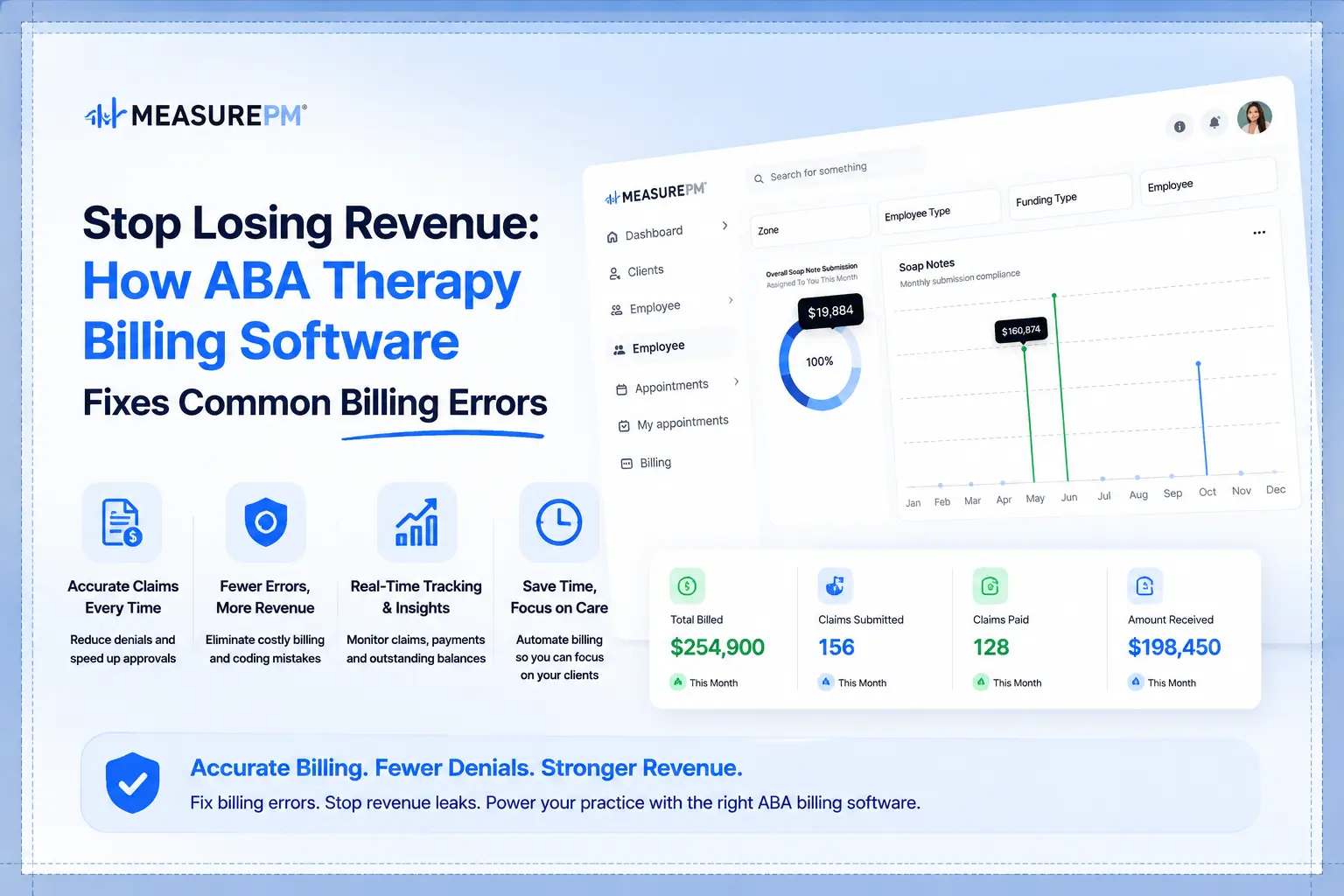
Most ABA billing errors aren't random they're predictable, repeatable, and preventable. This guide breaks down the most common mistakes draining your practice revenue and shows exactly how purpose-built billing software stops them before they happen.

- Best ABA Practice Management Software: What Actually Works for Busy Clinics - September 26, 2026
- Practice Management Software for ABA Therapists: Features, Benefits & How to Choose - September 23, 2026
- All-in-One ABA Practice Management System: Why It Matters for Growing Practices - September 17, 2026
Every ABA practice has a billing problem. Not always a visible one sometimes it’s just a steady drip of denied claims, a resubmission queue that never quite empties, and an accounts receivable aging report that looks worse every month without anyone being able to explain exactly why.
The frustrating part is that most ABA billing errors are preventable. Not all of them payers will always find reasons to push back on legitimate claims but the majority of denials that practices deal with week after week come from the same handful of correctable mistakes. Wrong codes. Expired authorizations. Missing modifiers. Documentation that doesn’t support the service billed.
These errors aren’t happening because billing staff aren’t trying. They’re happening because the systems most practices use weren’t built for the specific complexity of ABA billing. Generic medical billing software doesn’t understand authorization unit tracking. Spreadsheet-based workflows create manual bridges where errors multiply. And disconnected clinical and billing systems mean that the documentation supporting a claim isn’t reliably connected to the claim itself.
ABA therapy billing software built specifically for behavior analysis practices addresses these problems at the source not by making billing staff work harder, but by building the checks that catch errors before claims go out. This guide covers the most common billing errors in ABA practices and how purpose-built software changes the equation.
Why ABA Billing Is Harder Than Most Healthcare Billing
It’s worth acknowledging upfront that ABA billing has specific characteristics that make it more error-prone than billing in most other healthcare specialties. Understanding why helps explain both the problem and the solution.
Unit-based authorization tracking. ABA authorizations approve a number of units within a defined period not a number of visits. Tracking unit consumption across multiple clients, multiple service types, and multiple payers simultaneously is a continuous management challenge. Billing outside authorized units, or after authorization expiration, results in denials that are difficult to appeal successfully.
Multiple CPT codes with specific requirements. ABA billing uses a set of procedure codes that each have specific requirements around who can provide the service, what documentation supports it, and what modifiers apply. Using the wrong code, the wrong modifier, or billing a code against a provider credential that doesn’t match creates denials.
High session volume. ABA clients often receive multiple sessions per week across potentially years of treatment. Each session generates a claim. The volume of claims means that even a small percentage of errors represents significant denied revenue in absolute dollar terms.
Frequent payer policy changes. Insurance policies around ABA coverage change regularly. A modifier requirement that didn’t exist last year may be required this year. A code configuration that was accepted last quarter may now be rejected. Keeping current with payer-specific requirements across multiple insurers is a continuous process, not a one-time setup.
Documentation standards that vary by payer. What one insurer considers adequate session documentation, another considers insufficient. Managing these varying standards while maintaining clinical documentation quality requires coordination between clinical and billing teams that generic systems don’t facilitate.
The Most Common ABA Billing Errors And How Software Fixes Them
Error 1: Billing After Authorization Expiration
This is the billing error that practices most consistently underestimate in frequency and overestimate in how detectable it is in real time. Authorization expiration dates come and go. Sessions continue on schedule. Nobody flags the gap until claims start coming back denied.
By the point the denial arrives, weeks of sessions may be at risk. Appeals are possible but frequently unsuccessful the payer’s position is simple: services were delivered outside the authorized period.
How software fixes it: Authorization expiration dates are tracked in the system with automatic alerts as dates approach. The scheduling integration prevents sessions from being scheduled beyond authorization end dates. Billing staff see authorization status at the point of claim generation, not after denial.
Error 2: Exceeding Authorized Units
Authorization approves a number of units. Sessions consume units. When the math isn’t tracked continuously, practices deliver and bill services beyond what was authorized sometimes by a few units, sometimes by significantly more.
Claims for units beyond the authorization ceiling are denied. And unlike some other denial types, these are genuinely difficult to appeal because the authorization limit is clearly documented.
How software fixes it: Unit consumption is tracked in real time as sessions are scheduled and delivered. When remaining units approach defined thresholds, alerts fire giving billing and clinical staff time to initiate reauthorization before the limit is hit. The system prevents claims from generating for sessions that exceed authorized units rather than allowing them to go out and return as denials.
Error 3: Incorrect CPT Code or Modifier
ABA billing uses procedure codes that each have specific eligibility requirements. The service delivered, the credential of the person delivering it, the session type, and the supervision arrangement all affect which code applies and which modifiers are required.
Using the wrong code or the right code with the wrong modifier results in denial. And because the error often isn’t obvious from the claim itself, diagnosing the denial reason and correcting the submission takes time that shouldn’t have been needed.
How software fixes it: Code selection is tied to service type and provider credential in the system. When a session is assigned to a staff member with a specific credential delivering a specific service type, the appropriate CPT code populates automatically. Modifier requirements are built into the billing rules by payer. Human override is possible, but the default is accurate code assignment reducing the frequency of manual errors.
Error 4: Credential Mismatch Between Provider and Billed Service
A BCBA-billed service delivered by an RBT. An RBT delivering a service that requires BCBA credentials. A staff member whose credential has lapsed billing under the expired credential. Each of these creates a denial and each of them happens in practices that don’t have credential verification built into their workflow.
How software fixes it: Provider credentials are maintained in the system with expiration tracking. When a session is scheduled and billed, the system verifies that the assigned provider’s credential matches the requirements for the billed service. Expired credentials trigger alerts before sessions are scheduled against them. The manual verification step that should happen but often doesn’t is replaced by a system check that always does.
Error 5: Missing or Insufficient Documentation
Payers audit claims. When audited, claims need to be supported by documentation that demonstrates the service occurred, was clinically appropriate, and was delivered by a qualified provider. Session notes that are vague, incomplete, or inconsistent with the service billed create audit risk and, in cases of pre-payment review, claim denial.
How software fixes it: When clinical documentation and billing are connected when the session note that supports a claim is part of the same system as the claim itself documentation deficiencies are visible before claims go out. Billing can see whether session documentation exists for a claim before submitting it. Clinical staff receive prompts for required documentation elements. The documentation trail is complete and accessible when payers request it.
Error 6: Duplicate Claims
Duplicate billing submitting the same claim more than once happens more in manual billing workflows than most practice owners realize. A claim gets submitted, no confirmation is received, it gets resubmitted, and both versions are eventually processed. Payers flag duplicates, sometimes creating a denial even for the original legitimate claim.
How software fixes it: Claim status tracking in the system creates a record of every submitted claim. Before a new submission, the system checks whether a claim for that client, service date, and service type already exists. Duplicate submissions are flagged before they go out rather than discovered when both versions return from the payer.
Error 7: Timely Filing Deadline Misses
Every payer has a filing deadline typically measured in days from the date of service. Missing a timely filing deadline results in a denial with no appeal path. The session is lost revenue with no realistic recovery option.
How software fixes it: Claim generation is connected to session delivery. When a session is documented, it moves into a billing queue automatically rather than waiting for manual identification and entry. Filing deadlines are tracked by payer in the system, and claims approaching deadline receive escalated priority. The gap between session delivery and claim submission narrows because the manual steps between them are reduced.
The Integration Problem Most Practices Don’t Recognize
The individual billing errors described above are all real and all fixable. But they share a common root cause that software addresses most effectively when it’s understood: most ABA billing errors originate at the boundaries between disconnected systems.
When scheduling lives in one place and billing lives in another, session information has to be manually transferred between them. Manual transfer introduces errors. When clinical documentation lives separately from billing, documentation has to be manually linked to claims. That linkage is where documentation deficiencies go undetected until an audit.
Purpose-built ABA practice management software eliminates these boundaries. Scheduling, clinical documentation, and billing operate as a connected system where information flows automatically rather than being manually transferred at each handoff. Session data that enters the system through scheduling reaches billing without transcription. Documentation created during clinical delivery is accessible to billing without manual retrieval. Authorization tracking that lives in scheduling informs billing without a separate verification process.
This integration isn’t a billing feature it’s an architecture decision that affects billing accuracy, clinical quality, and operational efficiency simultaneously. Practices that evaluate billing software in isolation, without considering how it connects to the rest of their operations, often get software that fixes the billing features they can see while leaving the integration gaps that cause most of their actual errors.
What Purpose-Built Billing Software Does Differently
Beyond the specific error-catching features, ABA therapy billing software built for behavior analysis practices differs from generic medical billing tools in ways that matter operationally.
Payer-specific rule management. ABA billing rules vary significantly by payer. What Medicaid requires in one state differs from commercial insurance requirements and from Medicaid in another state. Purpose-built software manages payer-specific rules as a core function not as a workaround or a manual process.
ABA-specific code sets. The CPT codes used in ABA billing are specific to the specialty. Software built for ABA has these codes configured with their requirements built in not imported from a generic code database that treats ABA codes the same as any other specialty.
Authorization as a first-class concept. Generic billing software can track some authorization information. ABA-specific software treats authorization tracking as a primary function connected to scheduling, connected to billing, alerting proactively rather than reactively.
Supervision documentation support. BCBA supervision of RBT-delivered services has billing implications. Software that understands supervision structures can verify that supervision documentation requirements are met before claims that depend on that supervision go out.
HIPAA-compliant infrastructure. Every claim, every session note, every authorization record is handled within a fully HIPAA-compliant platform giving practices confidence that protected health information is secure throughout the billing workflow.
99.99% uptime reliability. Billing workflows that depend on software that goes down at critical moments aren’t workflows at all. A platform with 99.99% uptime means billing staff can submit claims, check status, and manage denials without system availability being a variable they have to work around.
To see how these differences look in actual workflow rather than in description, scheduling a demo gives you a concrete look at how the platform handles the billing scenarios your practice actually deals with.
What MeasurePM Users Actually Experience
Practices using MeasurePM consistently report the same outcomes: billing that used to be complicated becomes manageable. Claim denials that accumulated week after week start declining. Administrative time that was being consumed by manual billing tasks gets redirected to clinical work.
More than 10,000 providers trust MeasurePM across practices of all sizes from single-location clinics to multi-site operations serving clients across more than 40 U.S. states. The platform cuts admin staff hours by up to 50% on average, which in billing terms means less time chasing denials and more time running the practice.
That’s not a feature claim. It’s what happens when billing is connected to scheduling and clinical documentation the way it should be automatically, accurately, and without the manual bridging that creates most billing errors in the first place.
FAQs
1. How does ABA therapy billing software handle claims for multiple payers on the same client?
Clients with primary and secondary insurance require coordination of benefits billing the primary payer first, then billing the secondary for the remaining balance based on the primary’s remittance. Purpose-built ABA billing software manages this coordination systematically, maintaining separate authorization records for each payer and generating secondary claims automatically from primary remittance information rather than requiring manual reconstruction. The complexity of multi-payer billing is exactly where manual workflows break down most frequently and where software integration delivers the most immediate value.
2. What’s the difference between a claim scrubber and full ABA billing software?
A claim scrubber checks claims for basic formatting errors before submission missing required fields, invalid code combinations, format issues that would cause rejection on technical grounds. It’s a useful tool but a narrow one. Full ABA billing software does everything a scrubber does plus manages authorization tracking, connects to clinical documentation, applies payer-specific billing rules, tracks claim status through adjudication, manages denials and appeals, and connects to scheduling and clinical workflows. A scrubber reduces technical rejections. Integrated billing software addresses the clinical and authorization-related denials that represent the larger share of most practices’ revenue loss.
3. Can ABA billing software reduce the time staff spend on denial management?
Yes in two ways. First, by preventing the denials that are preventable through better pre-submission checks, the volume of denials requiring management decreases. Second, when denials do occur, integrated software makes the information needed for appeals accessible session documentation, authorization records, staff credentials without manual retrieval from multiple sources. Denial management that requires pulling records from three different systems takes longer than denial management where all relevant information is in one place. Practices that implement integrated billing software consistently report meaningful reduction in time spent on denial work.
4. How long does it take to implement ABA therapy billing software?
Implementation timelines vary based on practice size, complexity, and the extent of data migration from prior systems. Simple implementations for smaller practices can be functional within a few weeks. Larger practices with complex payer mixes, significant historical data to migrate, and multiple staff requiring training typically need more time for a complete implementation. The more important question is what the implementation process looks like whether there’s structured onboarding, dedicated support during go-live, and clear training for billing staff. Software that gets purchased and poorly implemented delivers a fraction of its potential value regardless of how good the platform itself is.
5. Does switching billing software affect current claims in process?
This is a legitimate concern that’s worth addressing specifically with any vendor during evaluation. Claims that are submitted and in adjudication during a transition aren’t typically affected by the switch they’re in the payer’s system regardless of what software the practice uses. The transition complexity is in claims that haven’t been submitted yet, historical claim data that needs to be accessible in the new system, and authorization records that need to be migrated or re-entered. A structured implementation plan addresses all of these. Ask specifically how the vendor handles in-progress claims and historical data during transitions practices that have done this before have clear answers; those that haven’t may not.
The Bottom Line
ABA billing errors are expensive in denied revenue, in staff time spent on appeals and resubmissions, and in the administrative drag that billing problems create across the practice. And the majority of those errors are preventable with the right tools.
ABA therapy billing software built specifically for behavior analysis practices doesn’t just automate billing tasks. It builds the verification steps that catch errors before claims go out, connects billing to the scheduling and clinical documentation that supports claims, and tracks authorizations in real time so the most common denial reasons don’t have a chance to develop.
The practices that run the tightest billing operations aren’t the ones with the most experienced billing staff. They’re the ones with systems that do the checking automatically consistently, for every claim, without depending on any individual remembering to do it manually. With more than 10,000 providers already trusting MeasurePM and a platform operating across 40+ U.S. states, that’s exactly what purpose-built software provides and why the investment pays back clearly in practices of almost every size.
